 IT
 EN
 DE
 FR
 ES

Welcome to EatMeFirst
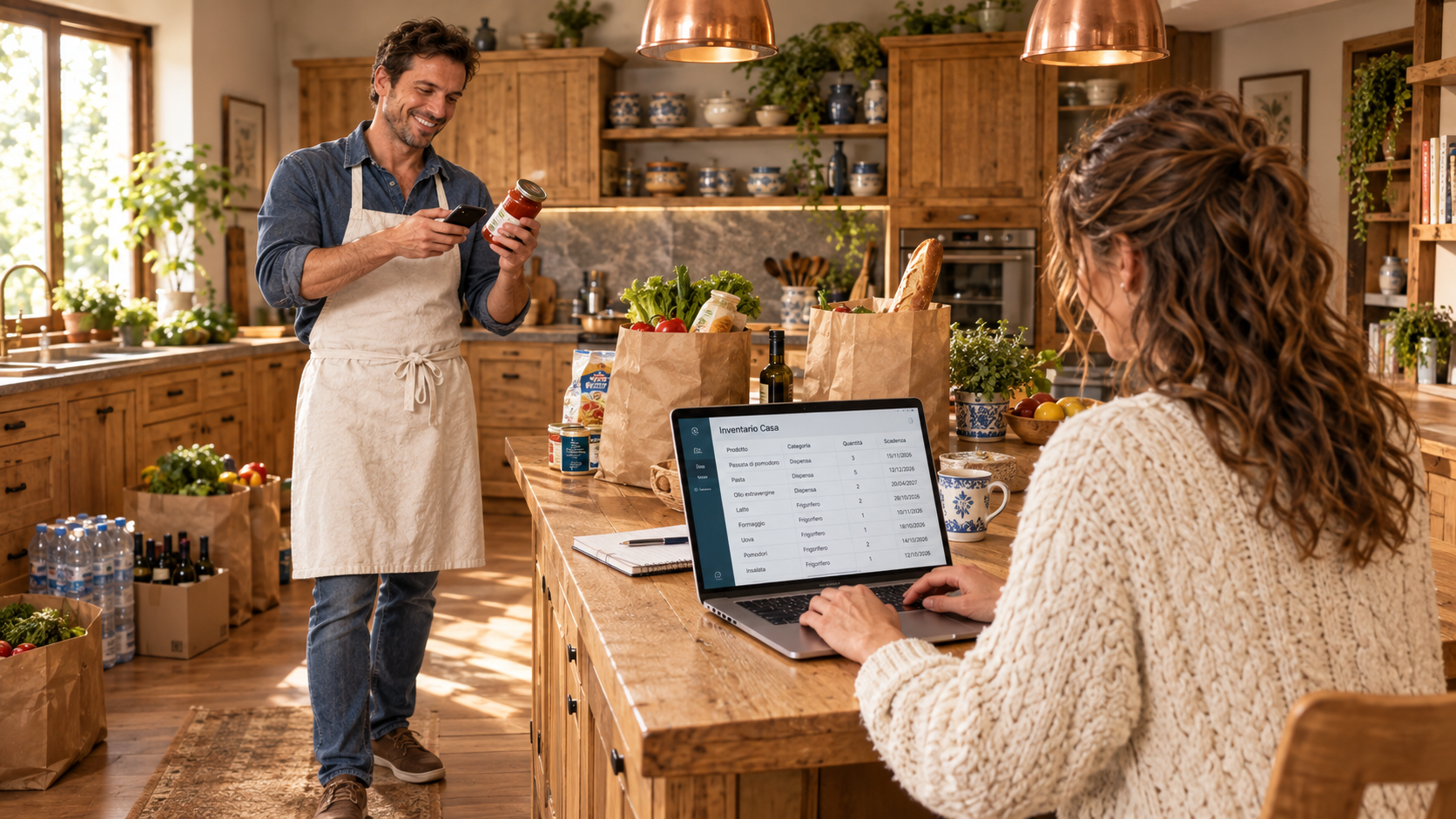
«We are a couple of regular shoppers just like you. Unfortunately, we often found expired products hidden at the back of our pantry and had to throw them away.
One day we talked about it with an IT friend to see if it was possible to create a system to better manage our home shopping. And you know how it goes... one thing led to another, we got passionate about this project and created a program capable of handling every single variable of daily shopping: from kitchen products to cleaning supplies and personal hygiene items.
Trust us, friend: what you are about to try will truly change the way you manage your groceries and home pantry.
Eva puts it simply: “Our shopping is our business!” Your inventory stays in the browser on the phone or PC you use. There is no account to create. Your optional name stays on your device too.
What goes online? When you search a barcode, the app asks public catalogues which product matches that number. It does not send your inventory, quantities or purchase and usage history. Product photos also load from external sources.
How do I add products? Scan a barcode with your phone, use a reader on your PC, or type the details yourself. No barcode? No problem: market apples, sliced cheese and household products fit here too. When catalogue details are available, check the suggested name, photo, category and pack size before saving. Other available details can be read in Inventory.
Eva adds: “And remember the half-used salami!” Partial use records your estimate of what remains; multipacks let you track individual items.
All basic features of the application for your mobile phone are and will remain free forever, but I've talked too much! I'll hand over to Leo who will explain how to use the app.»